
Pixel Snatcher
Tech Stack :
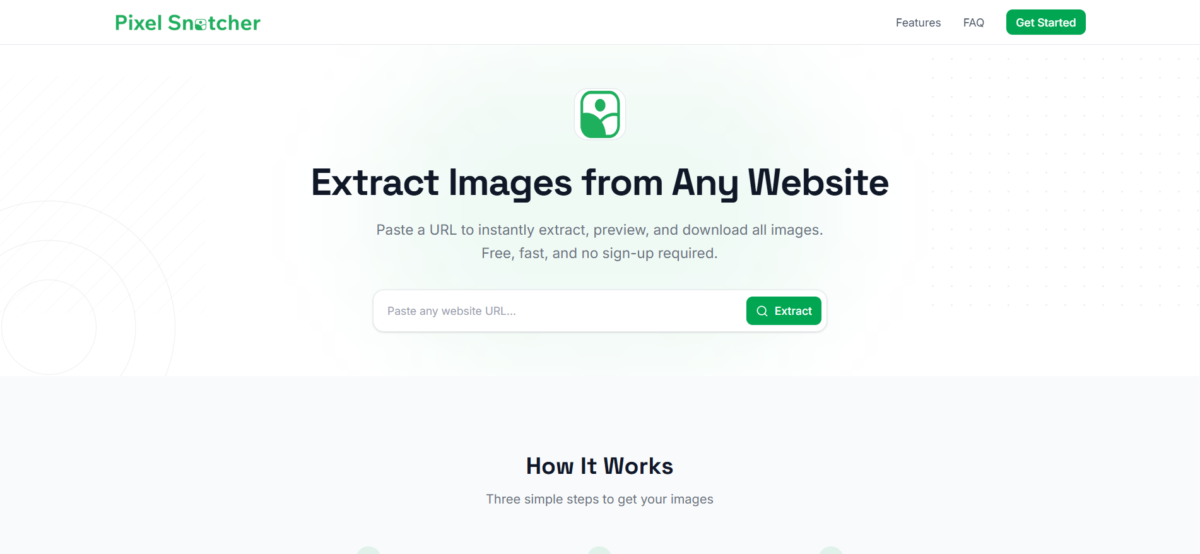
Pixel Snatcher is a free, browser-based image extraction tool that lets you pull every image off any public webpage in seconds. Paste a URL, and Pixel Snatcher scans the page for images across <img> tags, CSS backgrounds, srcset attributes, Open Graph metadata, and lazy-loaded elements – then presents them all in a clean, filterable gallery.
From there you can filter by format, dimensions, or file size; convert between PNG, JPG, and WebP; adjust compression quality; bulk-rename files with a custom pattern; and download everything as a single organized ZIP. No sign-up. No browser extension. No install. Just paste, pick, and download.
Features
Smart Extraction
Pixel Snatcher goes beyond simple <img> tag scanning. It detects images embedded in CSS backgrounds, srcset responsive sets, Open Graph and Twitter Card meta tags, and JavaScript-lazy-loaded elements – so you never miss a single asset.
Filter & Sort
Narrow down hundreds of images fast. Filter by file format (PNG, JPG, WebP, GIF, SVG), minimum dimensions, or file size. Sort by name, resolution, or size – ascending or descending. Only pick the images you actually need.
Convert & Compress
Change any image’s format on the fly – PNG to WebP, JPG to PNG, WebP to JPG – and dial in the compression quality before downloading. Save bandwidth without sacrificing the images that matter.
Bulk Rename
Stop downloading image001.jpg and photo_final_v3.png. Set a custom filename prefix and let Pixel Snatcher auto-number and rename every file in your selection before the ZIP is built.
Bulk Download as ZIP
Select one image or all of them. Pixel Snatcher packages your selection into a neatly organized ZIP file with a single click – no waiting, no queues, no watermarks.
No Sign-Up Required
Pixel Snatcher is free and open to use with no account, no email, and no credit card. Advanced features like higher extraction limits are available for signed-in users.